MoveIt
Mouse Jiggler & Auto Mouse Mover
Professional Mouse Automation
Keep your computer active during important workflows: remote presentations, software testing, long-running processes, and remote desktop sessions.
Key Features
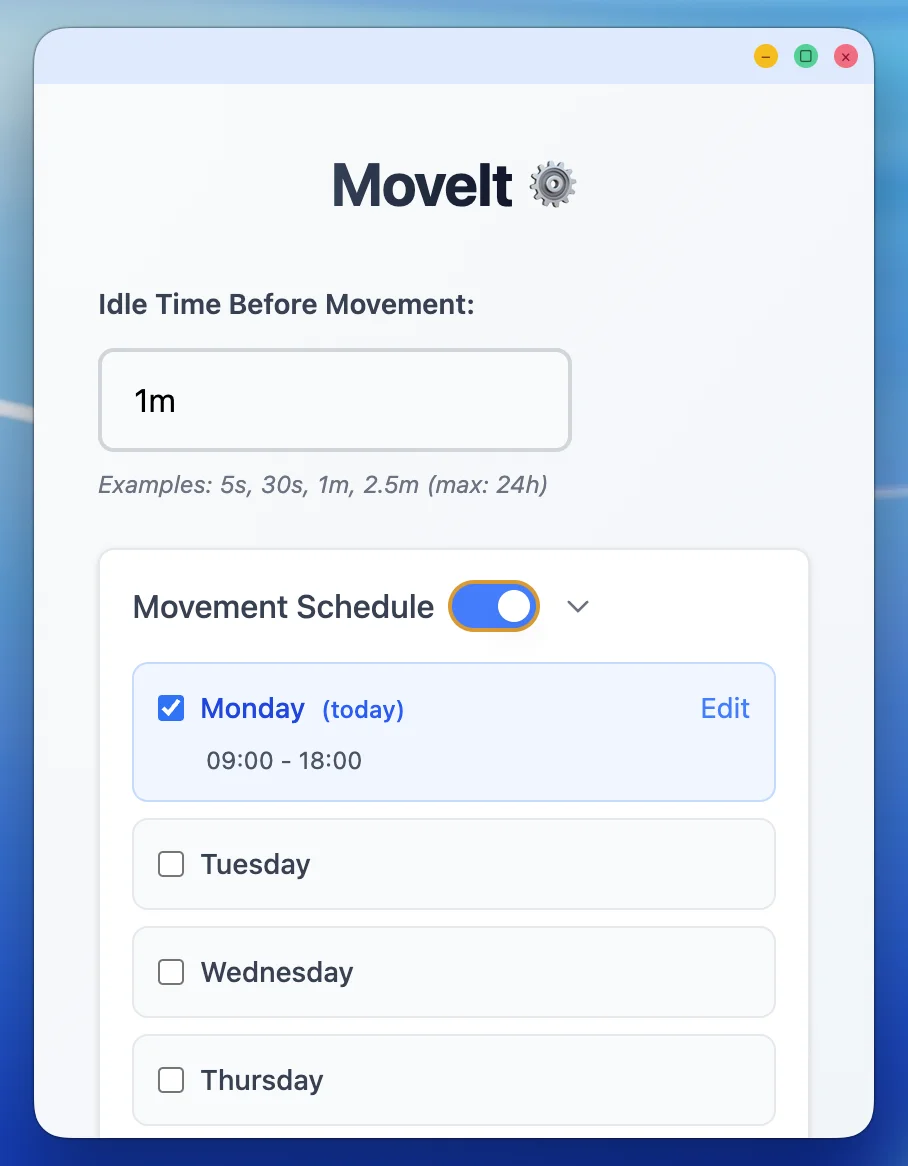
Smart Scheduling
Set custom active hours to automatically move your mouse only when you need it. Configure daily schedules with start and end times for each day of the week.
- ✓ Individual schedules for each day
- ✓ Easy-to-use time picker
- ✓ Enable/disable specific days
- ✓ Visual schedule overview
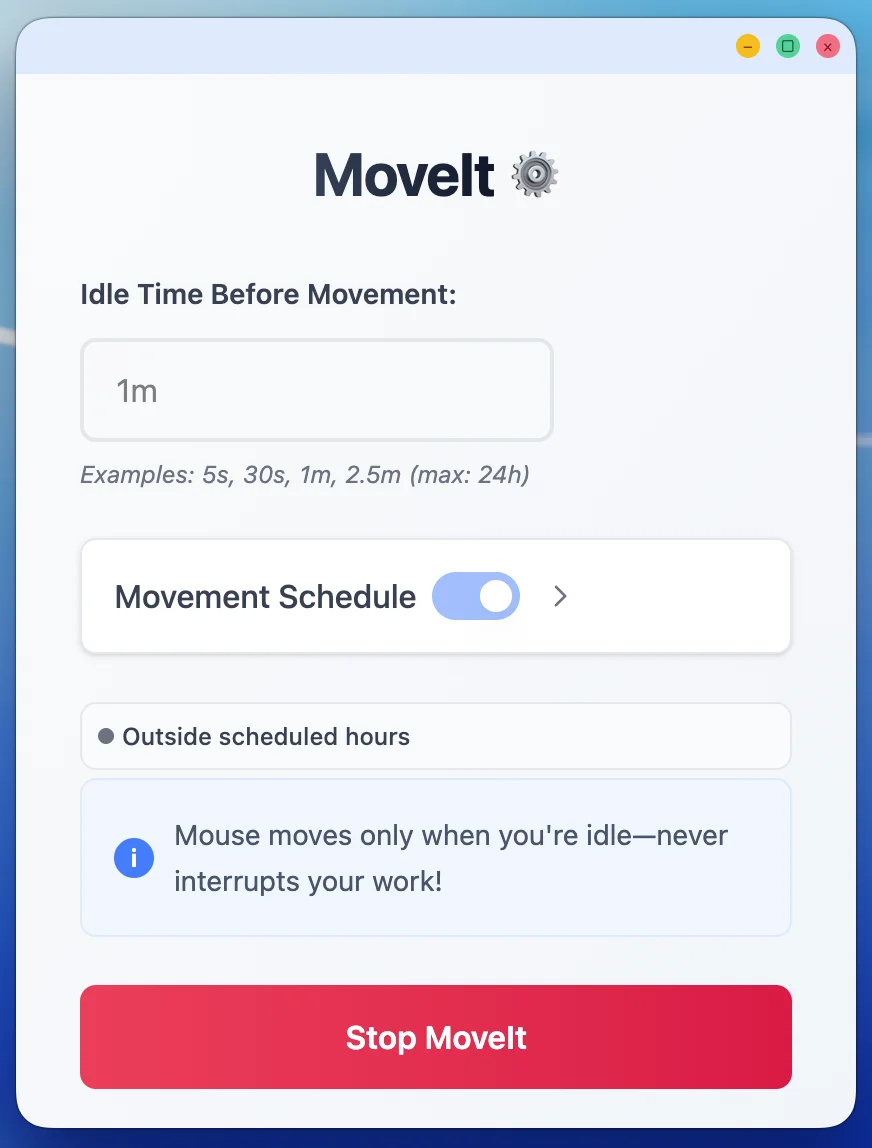
Respects Your Schedule
MoveIt only activates during your configured schedule periods. Outside these times, your Mac behaves completely normally.
- ✓ Automatic start/stop based on schedule
- ✓ Real-time status indicator
- ✓ No manual intervention needed
- ✓ Set it and forget it
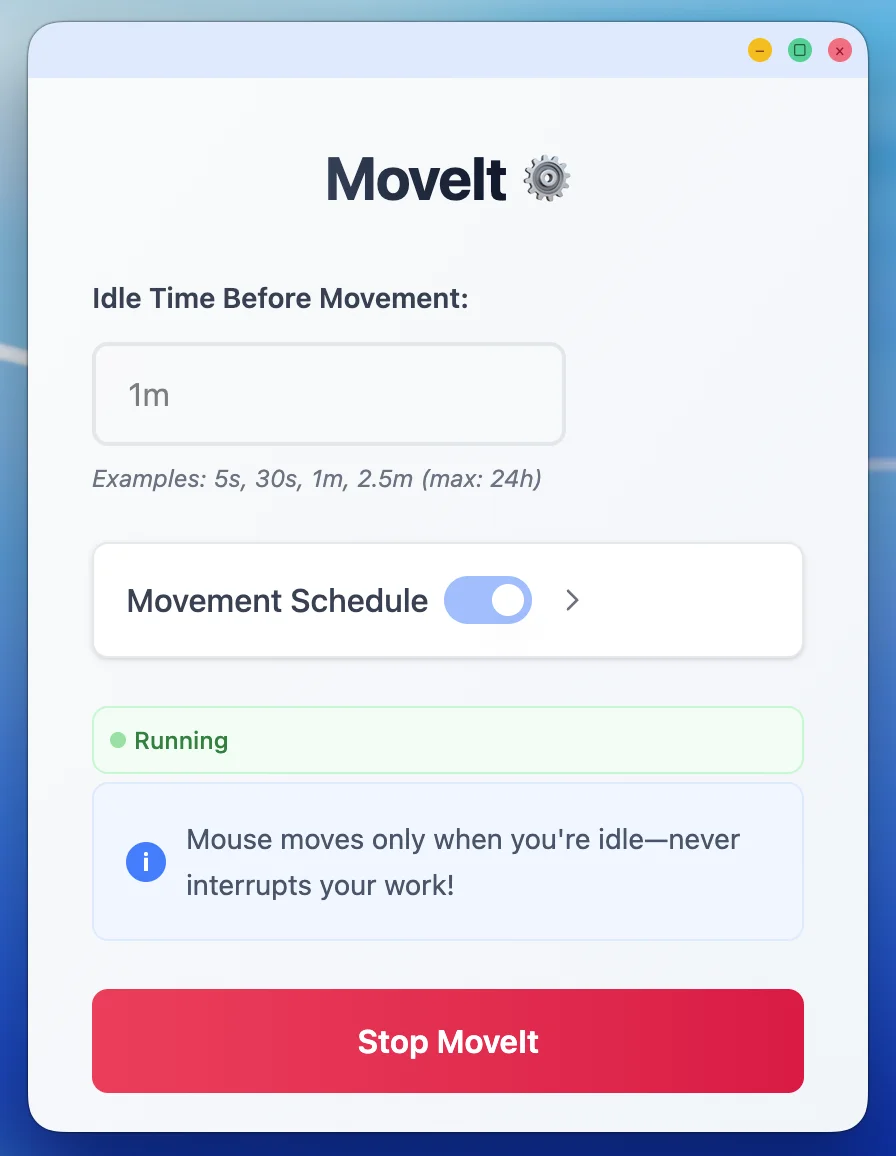
Continues After Sleep
MoveIt automatically resumes operation when your computer wakes from sleep, ensuring uninterrupted workflow protection.
- ✓ Detects system wake events
- ✓ Recalculates schedule timing
- ✓ Seamless resume operation
- ✓ No manual restart needed
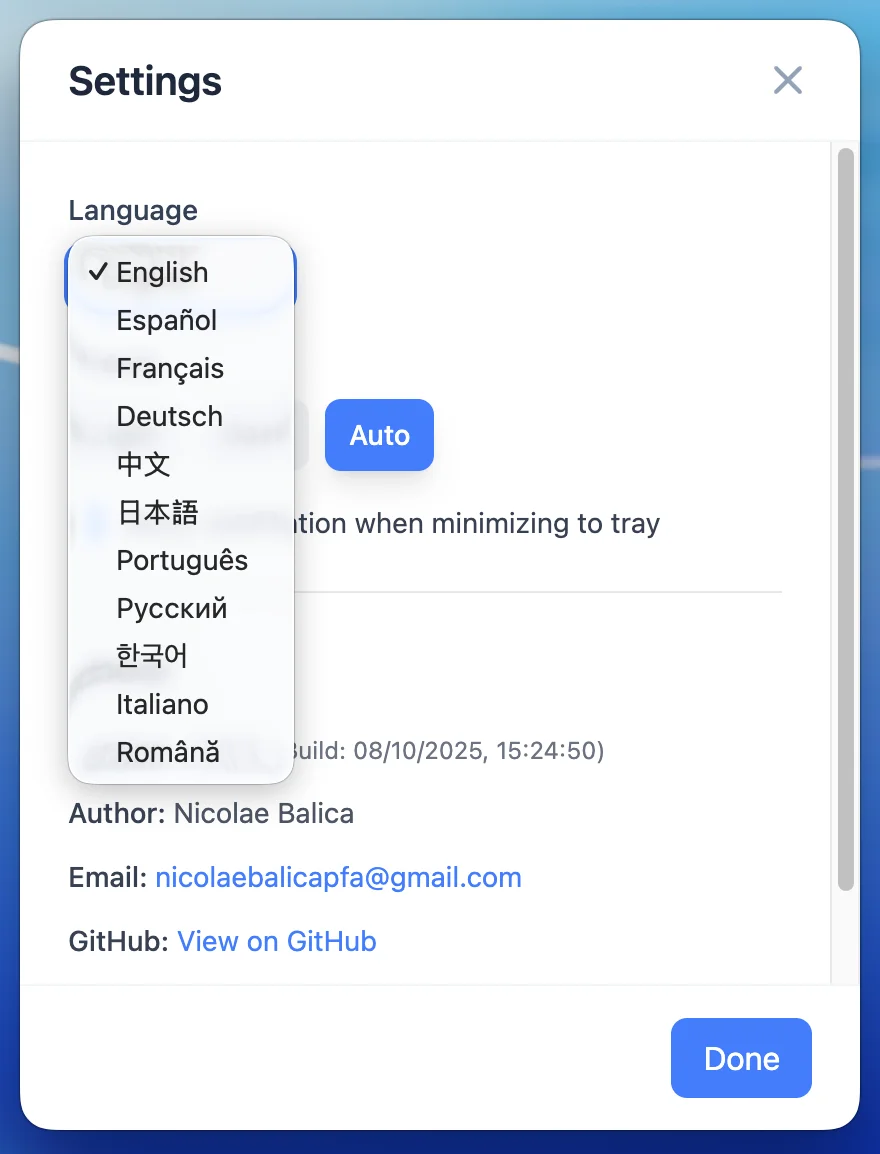
Multilingual Support
MoveIt automatically detects your system language and displays the interface in your preferred language. Supports 11 languages out of the box.
- ✓ Auto-detects system language
- ✓ 11 languages supported
- ✓ Manual language switcher
- ✓ Fully localized interface
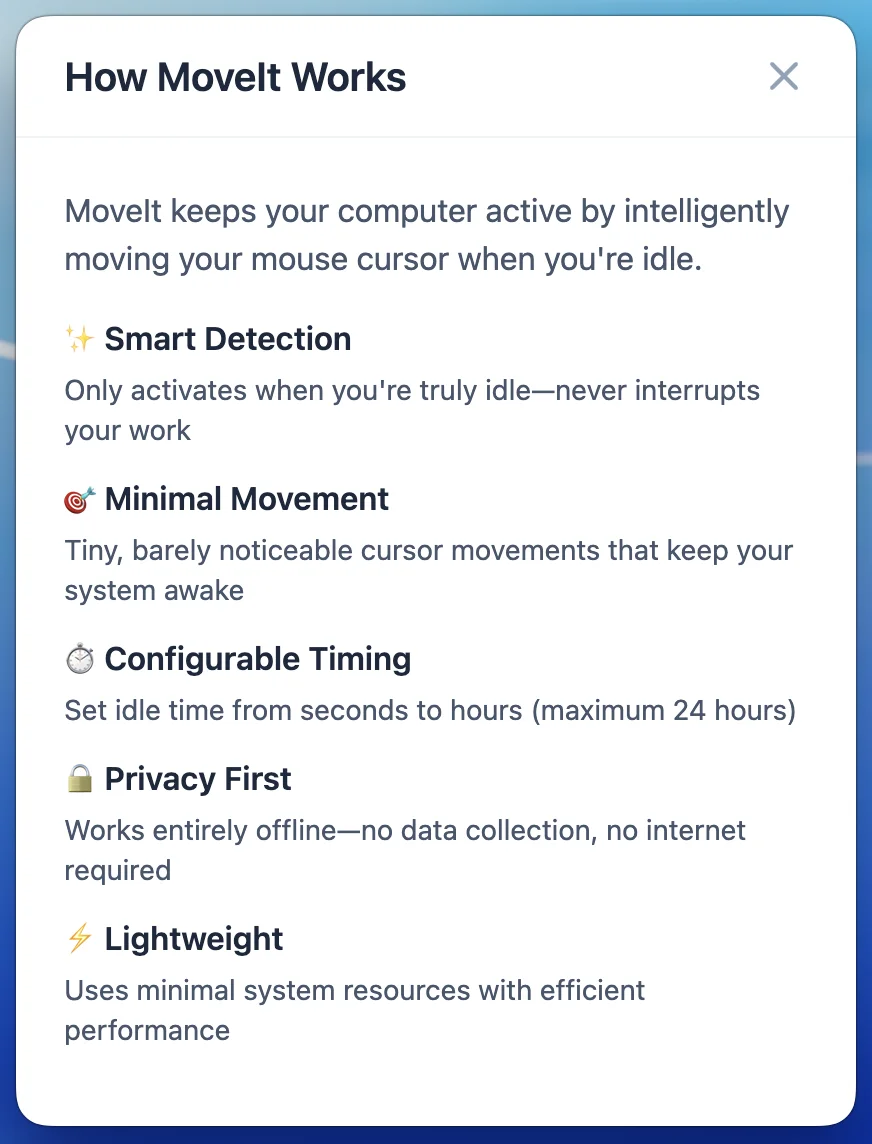
Privacy First
Zero data collection. Everything runs locally on your computer. Open-source and transparent about required permissions.
- ✓ No analytics or tracking
- ✓ No internet connection required
- ✓ All processing happens locally
- ✓ Open-source on GitHub
Perfect For
Remote Presentations
Keep your screen active during virtual meetings, webinars, and screen sharing sessions.
Software Testing
Prevent screen lock during long-running test suites, builds, and QA processes.
Long Processes
Keep your Mac active during data processing, uploads, downloads, and rendering tasks.
Remote Desktop
Maintain remote desktop connections without interruptions from screen savers or sleep mode.
Accessibility Support
Assist users who need alternative input methods or extended time for computer interactions.
Data Monitoring
Keep dashboards and monitoring tools visible and active for continuous observation.
Ready to Get Started?
Download MoveIt today and keep your computer active when it matters most.